
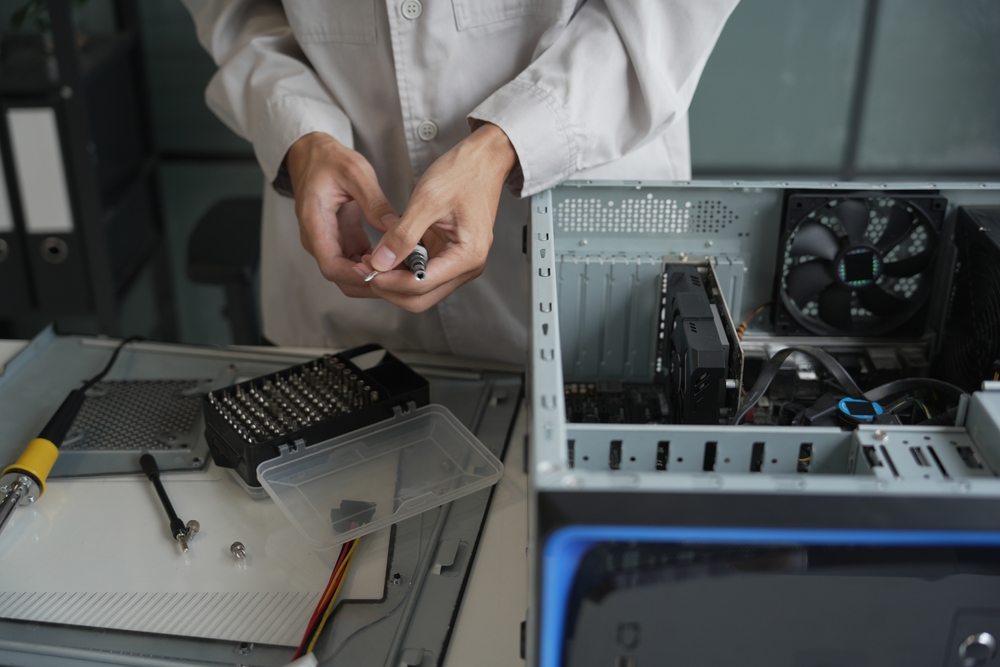
Computers and printers play an important role in everyday business operations, education, and personal activities. From managing important documents to completing office tasks, these devices help people stay productive. However, technical problems such as slow performance, hardware failures, software errors, and printer malfunctions can interrupt daily work. Getting professional technical assistance can help resolve these issues and prevent further complications.
Burl-Oak Systems provides reliable technology support for individuals and businesses looking for professional Computer Repair Burlington services. Whether you are experiencing computer performance issues or need assistance with printing equipment, choosing experienced technicians can help restore your devices and keep your work running smoothly.
Why Is Professional Computer Repair Important?
Computers can develop different problems over time because of regular usage, outdated software, hardware damage, or unexpected technical failures. Ignoring these issues may lead to reduced performance, data loss, and expensive replacements.
Professional computer repair helps identify the root cause of technical problems and provides suitable solutions.
Some common computer problems include:
· Slow Computer Performance: Unnecessary files, outdated software, and limited storage can affect system speed.
· Hardware Failures: Damaged keyboards, hard drives, screens, and other components may require professional attention.
· Software Errors: Operating system problems, application crashes, and installation issues can interrupt daily activities.
· Virus and Malware Infections: Security threats can affect computer performance and put important information at risk.
· Overheating: Dust accumulation, cooling fan problems, and ventilation issues can cause computers to overheat.
· Startup Problems: Corrupted system files or hardware issues may prevent a computer from starting properly.
Professional technicians can diagnose these problems and recommend appropriate repair solutions.
What Computer Repair Services Do Businesses and Individuals Need?
Reliable Computer Repair Burlington services can help address a wide range of technical challenges. Whether you use a desktop computer for business operations or a laptop for personal activities, timely maintenance and repairs are important.
Here are some common services worth considering:
1. Hardware Diagnosis and Repair
Physical computer components can become damaged because of accidents, regular wear, or electrical problems. Professional technicians can inspect faulty components and determine whether repair or replacement is necessary.
2. Software Troubleshooting
Software-related issues can cause freezing, unexpected shutdowns, application errors, and system crashes. Technicians can troubleshoot operating system problems, update software, and improve system functionality.
3. Virus and Malware Removal
Malware infections can compromise personal information and business data. Professional support can help identify suspicious software, remove threats, and improve device security.
4. Computer Performance Optimization
If your computer takes too long to start or applications run slowly, performance optimization may help. Removing unnecessary programs, checking storage capacity, and updating system software can improve overall efficiency.
5. Data Backup and Recovery Support
Important files can become inaccessible because of hardware failures, accidental deletion, or software problems. Professional assistance can help assess recovery options and establish better backup practices.
Why Is Printer Repair Burlington Important for Businesses?
Printers remain essential for many offices, educational institutions, and home-based businesses. Companies regularly depend on printing equipment for invoices, contracts, reports, business documents, and other important materials.
When a printer stops working, everyday activities can become difficult. Professional Printer Repair Burlington services help identify technical problems and restore printing functionality.
Common printer issues include:
· Paper jams and incorrect paper feeding.
· Poor print quality, faded text, or streaks.
· Printer connectivity and network problems.
· Ink or toner cartridge recognition errors.
· Printing delays and repeated error messages.
· Printer driver and software compatibility issues.
Addressing these problems early can reduce downtime and help businesses maintain productivity.
How Can You Prevent Computer and Printer Problems?
Regular maintenance can extend the lifespan of your devices and reduce unexpected technical difficulties.
Consider following these practical tips:
Keep Software Updated: Install operating system updates, security patches, and compatible printer drivers regularly.
Clean Devices Carefully: Remove dust from computer vents and keep printers free from paper debris and excessive dust.
Use Reliable Security Software: Protect computers against viruses, malware, and other cybersecurity threats.
Avoid Overloading Devices: Running too many applications simultaneously can affect computer performance.
Use Genuine Printer Supplies: Compatible, high-quality ink and toner cartridges can help maintain consistent printing results.
Schedule Regular Maintenance: Periodic inspections can identify potential problems before they become serious.
How Do You Choose the Right Computer and Printer Repair Service?
Choosing the right technical support provider is important when your devices experience problems. Before selecting a repair service, consider the following factors:
· Technical Experience: Look for technicians who understand different computer systems, hardware components, and printer models.
· Problem Diagnosis: Choose a provider that identifies the actual cause instead of recommending unnecessary replacements.
· Transparent Communication: Understand the repair process, estimated costs, and available solutions before proceeding.
· Service Reliability: Consider a provider that values timely assistance and customer satisfaction.
· Comprehensive Support: Choosing a service provider that handles both computer and printer issues can simplify technology maintenance.
Burl-Oak Systems aims to help customers address everyday technology challenges through professional computer and printer support.
Get Reliable Technology Support with Burl-Oak Systems
Keeping computers and printers in good working condition is essential for maintaining productivity at home and in the workplace. From hardware failures and software troubleshooting to printing and connectivity issues, professional technical assistance can help prevent unnecessary downtime.
If you are looking for dependable Computer Repair Burlington or professional Printer Repair Burlington, Burl-Oak Systems can help you address your technology challenges. Contact Burl-Oak Systems to discuss your computer and printer repair requirements and find the right support to keep your devices working efficiently.
(FAQs)
1. What are the common signs that my computer needs repair?
Frequent system crashes, slow performance, overheating, unusual noises, startup failures, and software errors are common signs that your computer may need professional attention.
2. Can a slow computer be repaired without replacing it?
Yes. Many slow computer problems can be addressed through software optimization, malware removal, storage upgrades, or hardware improvements. The appropriate solution depends on the underlying issue.
3. What causes a printer to stop printing?
Common causes include paper jams, empty cartridges, outdated drivers, connectivity problems, incorrect settings, and hardware malfunctions.
4. How often should computers and printers receive maintenance?
Maintenance frequency depends on usage and operating conditions. Businesses with heavily used equipment may benefit from more frequent inspections, while personal devices should also receive regular software updates and cleaning.
5. Can one service provider handle both computer and printer problems?
Yes. A technology support provider offering both services can help diagnose and resolve computer and printer issues, making device maintenance more convenient.